Ready to pass the documented link
Every basic field is present. Continue by pasting the original URL and comparing the service result with your saved source record.
Status checked 22 August 2026: Niuniubox says it has officially been renamed to Pikobuy.
Read the official noticeListing evidence method
A link is ready for handoff when the live listing opens, its images and title describe the same item, the exact variant is recorded, seller context is visible, and the current agent destination is confirmed. This method reports missing evidence, not a made-up quality score.
Direct answer: a category placement alone is not enough. Open the original listing and build a small evidence record first.
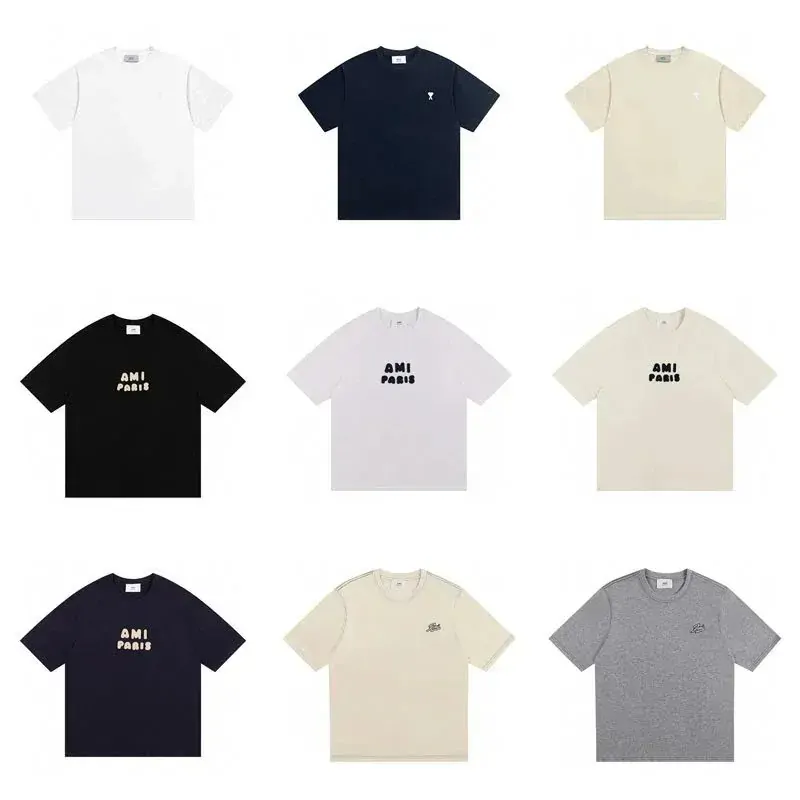

Image-to-record check
For a bag find, a source record can name visible handles, zips, studs, strap, color, and the option label shown beside the gallery. If the live listing does not connect that image to the selected option, mark the relationship as unclear.
Do not turn a clear photo into a quality score. A source check is ready only when the live page, seller context, exact option, and current destination are documented together.
Check the evidence
Only mark a check when you saw the evidence yourself. The tool never assumes that a listed product, seller, or agent outcome is safe.
Build the record
Start with the original URL. Add the product title as shown, the selected option, and the measurements or model detail that influenced your choice. Note the category page that led you there, but do not substitute that category link for the product source.
Next, compare the listing with what the agent handoff displays. Pikobuy is a shopping agent that accepts a product link as part of the public workflow shown on its homepage. If the submitted title, image, option, or seller context changes, stop and ask for clarification through the service’s current support route before payment.
Finally, keep the record until your item has been inspected and the parcel decision is complete. The record cannot prove quality, but it gives you a concrete comparison instead of relying on memory.

Interpret the result
The correct output can be “pause.” It is better to find a missing variant or stale destination before the link enters an order.
Every basic field is present. Continue by pasting the original URL and comparing the service result with your saved source record.
The destination is known, but one or more listing fields are incomplete. Reopen the product page and capture the missing evidence.
Do not treat an old Niuniubox bookmark as proof of the current service. Confirm the official notice and live Pikobuy destination.
Keep both records, pause the order step, and use the service’s current support route to resolve the mismatch.
Work from the live seller page, not from memory. Open the product URL first, select your exact size and colour, then tick only the evidence you can actually see. The tool updates locally and does not submit an order or send your selections to an agent.
A missing destination check means you should confirm the official service first. An incomplete listing result tells you which evidence is still missing. A ready result means your record is complete enough to hand over; it does not establish product quality, seller reliability or stock. Use Clear checks when switching products so one item's details do not carry into another.